

STEP 01
Introduce yourself
Add your name or business name, contact details, and a short introduction so visitors know who you are.
Free portfolio website builder
Create a portfolio for your work or business. Add projects, services, and experience, choose a template, then share it at yourname.linkedportfolio.com. No coding needed.

Visit portfolios published on LinkedPortfolio and see how professionals share their work and experience.
Tailored Industry Showcases
Whether you’re a designer, engineer, consultant, or business owner, bring your work and experience together in one place.

Highlight your GitHub repositories, full-stack projects, architecture, and technical stacks.

Present visual case studies, Figma prototypes, design systems, and client reviews.

Showcase company services, team members, enterprise client work, and case studies.

Feature interactive web applications, modern frameworks, APIs, and deployed live demos.

Demonstrate machine learning models, data visualizations, notebooks, and statistical insights.

Highlight cross-functional leadership, agile roadmaps, delivery metrics, and certifications.

Package client service offerings, direct booking links, client reviews, and past deliverables.

Showcase multi-channel campaign ROI, conversion funnels, brand creative, and marketing stacks.

Display CAD and BIM structural models, infrastructure project milestones, and licensure.

Feature 3D building renders, blueprints, spatial layouts, and architectural design awards.

Present clinical credentials, medical research, publications, and hospital affiliations.

Outline practice areas, bar admissions, landmark case results, and legal advisory services.
LinkedPortfolio is fully modular. You can build a customized portfolio with your own projects, services, experience, certifications, and skills for any field or business.
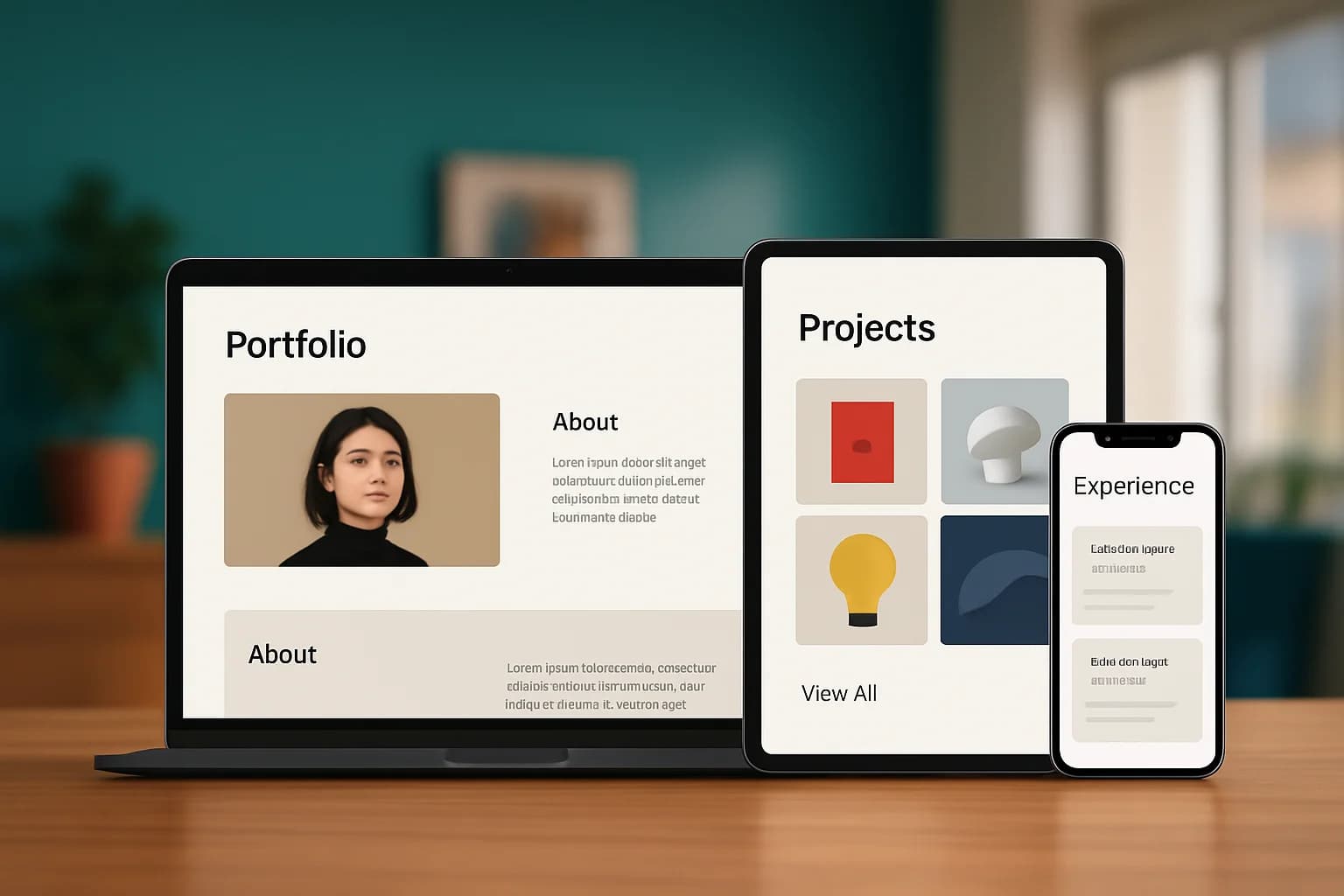
Pick from 9 templates to find a look that suits your work. Each one is designed to look good on phones, tablets, and desktops.

Your portfolio gets its own link at yourname.linkedportfolio.com, ready to share with employers, clients, or anyone who wants to see your work.

Add or update your projects, skills, and experience in the visual editor. You can make changes without writing code.
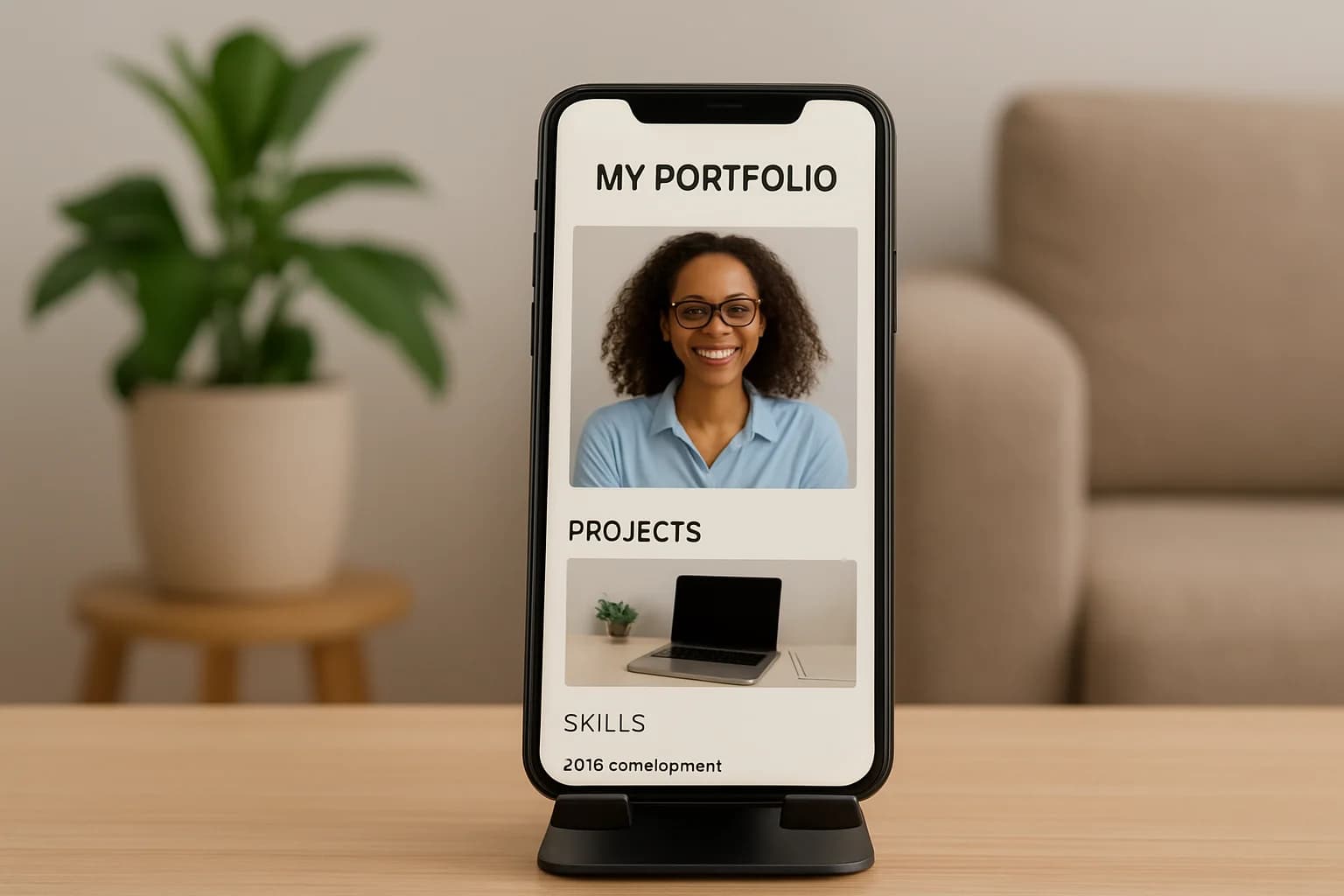
Your portfolio adjusts to phones, tablets, and desktop screens, so visitors can explore your work wherever they are.

Add images, a short description, and links to give visitors a better sense of each project and your role in it.
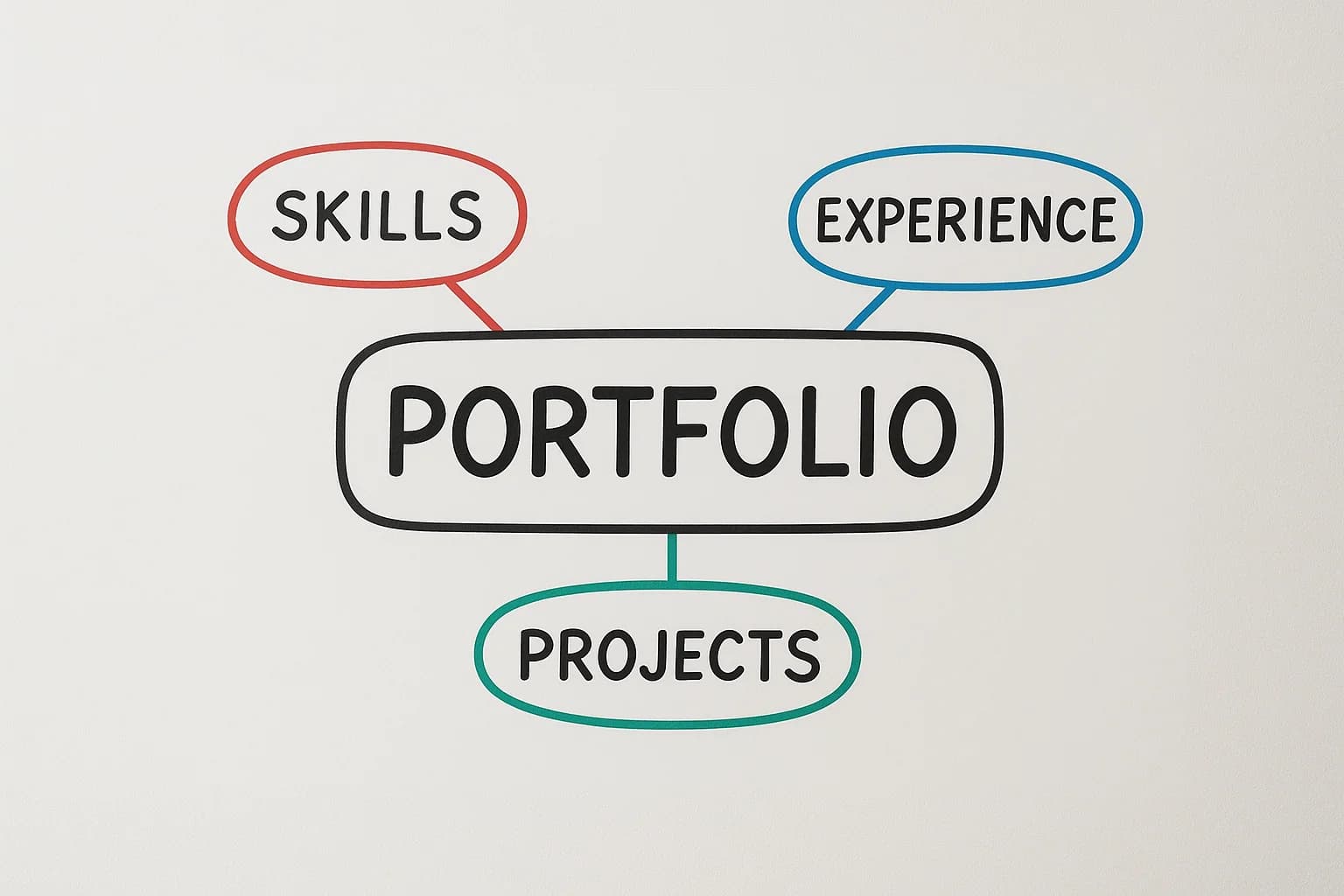
Arrange sections for your projects, skills, work history, and more to tell your story in a way that feels right for you.

Choose the sections that fit your work—whether that’s projects, skills, or services. Add a little context to each one so visitors can understand what you do.
Whether you’re sharing your own experience or introducing a business, add the details that matter, choose a look, and get ready to share your work.
STEP 01
Add your name or business name, contact details, and a short introduction so visitors know who you are.

STEP 02
Add projects, services, skills, or experience. You can also include your education or resume.
STEP 03
Choose a template and preview your portfolio as you edit. When it’s ready, share your personal link.
Quick answers about creating and sharing your portfolio.
Create a portfolio for your work or business. Bring your projects, services, and experience together, then share it with clients, employers, or collaborators.